Speckle for Revit
Connect Revit to Speckle to unlock collaboration, presentations, and powerful analytics that drive better project outcomes.
Supported versions
2023 – 2027

Connect Revit to Speckle to unlock collaboration, presentations, and powerful analytics that drive better project outcomes.
Supported versions
2023 – 2027
Use the Speckle connector to exchange data and objects with other tools as you design.
Set up automatic Revit data sync with every update to access both real-time and historical model analytics.
Drag and drop files into Speckle to view, analyze, and share models without needing a design tool license.

Send Revit objects to Power BI to create sleek dashboards using parameters, material quantities, and workset information.
Sent Revit data will be loaded by category as direct shapes, with their render materials.


Upload RVT files directly in the browser. No Revit install required! Anyone on any device can view full model geometry and data, making it ideal for read-only access, automated checks, and hands-off pipelines.
Open and extract data from older RVT versions without legacy Revit installations. Speckle automatically interprets and upgrades files back to the 2015 schema, ensuring consistent geometry and parameters for long-term infrastructure projects, archives, and digital twins.
Publish Revit-linked models as true instances, preserving transformations and hierarchy. This keeps multi-disciplinary models lightweight, spatially accurate, and optimized for fast viewing.
Choose exactly what gets published; by category, subcategory, or view. Speckle respects view templates, helping you create lighter models and focused datasets for analytics, BI, or coordination.
Publish models in the correct coordinate system every time. Select Internal Origin, Project Base Point, or Survey Point, and Speckle ensures all elements land in a unified, reliable spatial context for downstream tools.
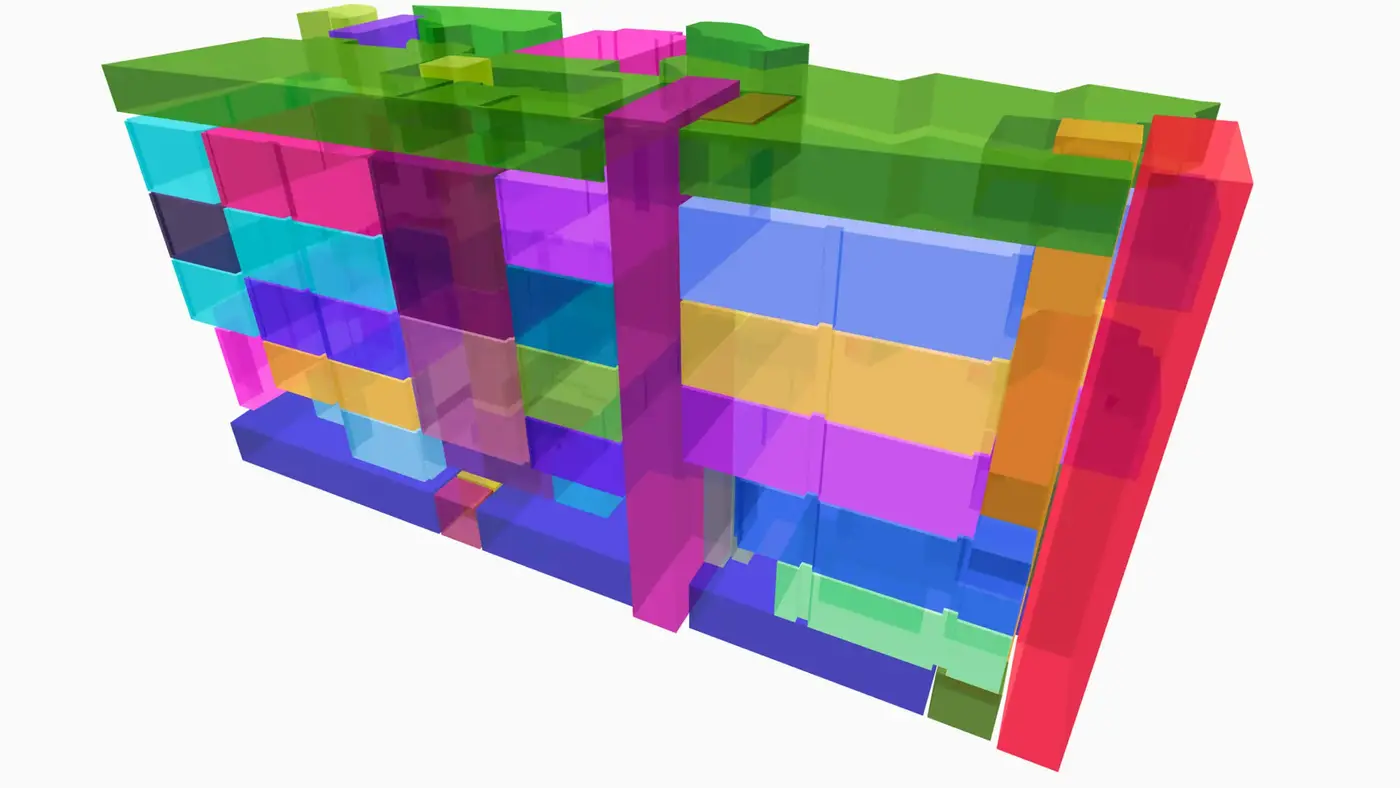
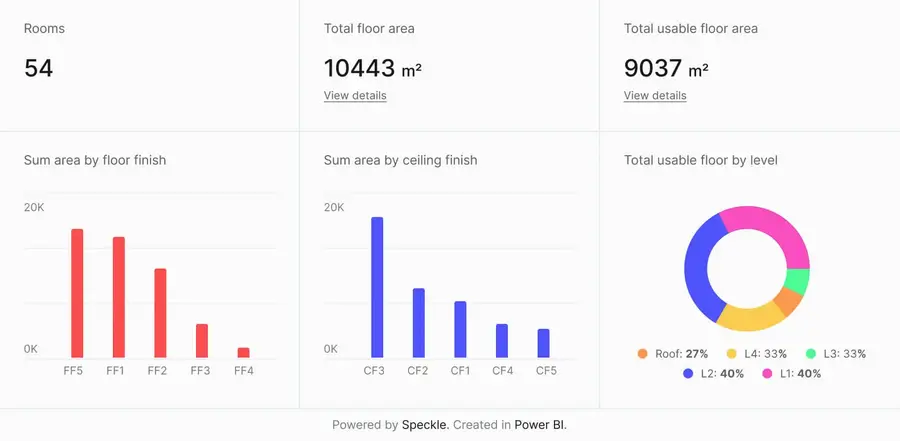
Connect to Power BI and create custom dashboards, featuring live 3D models.
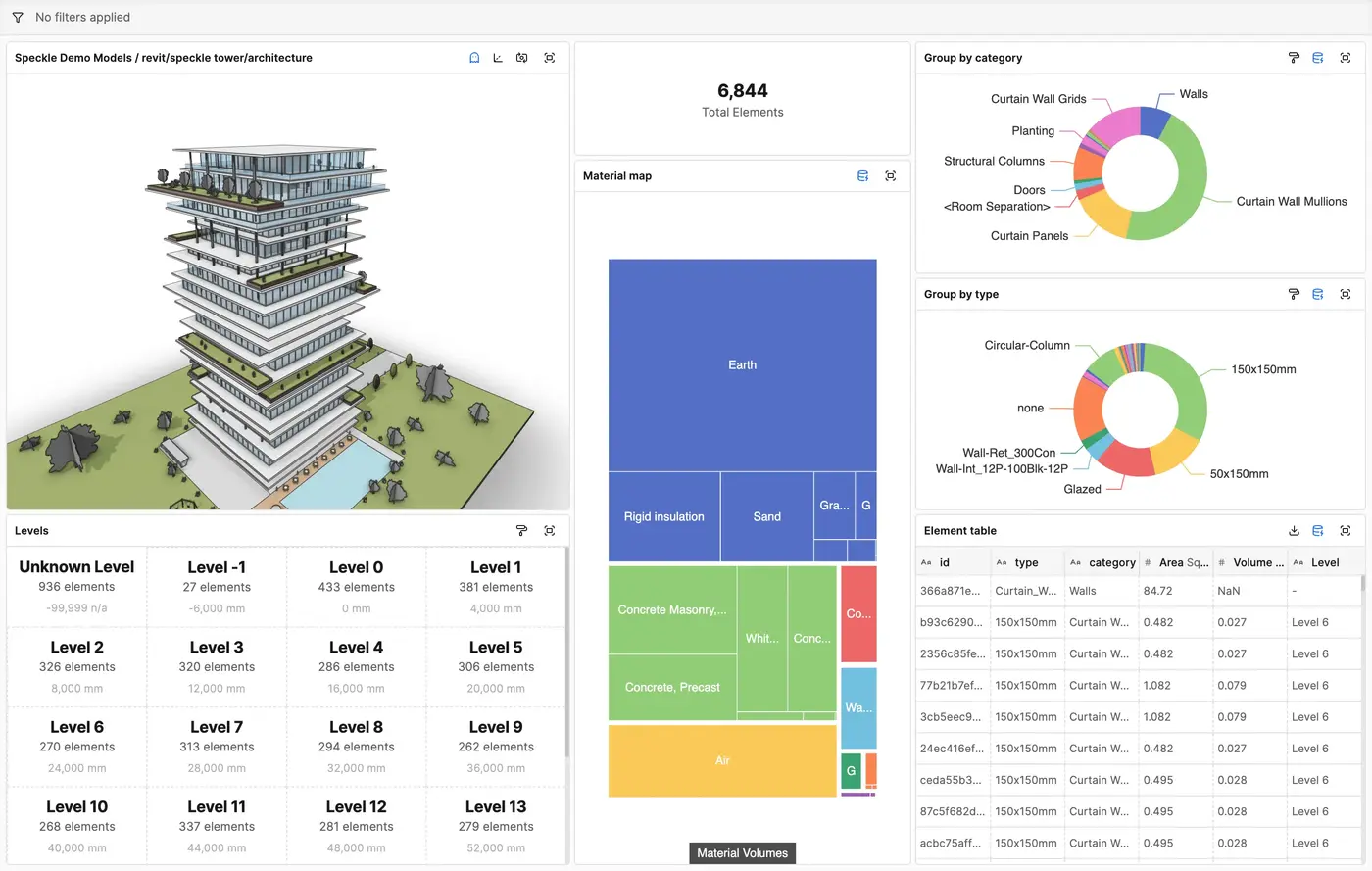
Get insights from any model, project, or portfolio—without waiting on anyone else.
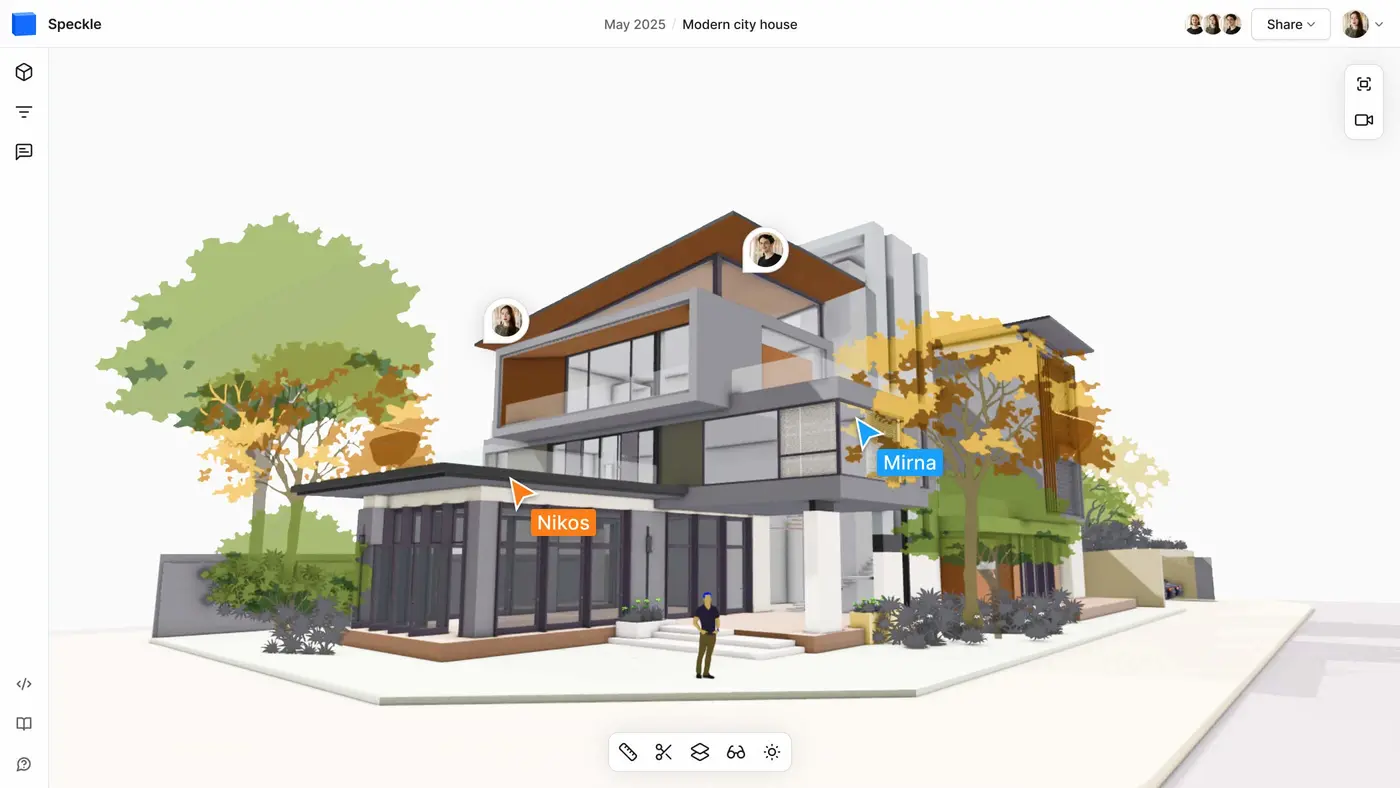
Work on live 3D models together and present them to anyone, no desktop apps or licenses.
Get inspired by industry stories



Follow these step-by-step tutorials